8 Tricks to Protect Your Identity Online
Your online identity is vulnerable to many cybercrimes. Since most people use social media, online banking, and digital payments, they often become easy targets. No matter how careful you are, even a single mistake can put your information security at risk.
Identity theft happens when someone misuses another person’s private details for personal or financial gain. Hackers and scammers usually spy on weak accounts to steal sensitive data such as names, phone numbers, photos, addresses, or banking details, which they can then use for credit cards or even loans.
But don’t worry - by following these 8 simple tricks, you can protect yourself from most online threats. Let’s go through them one by one.
Protect Yourself With Strong Passwords
Creating strong passwords is essential to keep your devices safe from hackers. Many cybersecurity experts recommend using strong passwords. Weak passwords make accounts easy targets for hackers.
Are you someone who still uses your name, or “123456” as a password? Stop doing that, as it's making your account appear to be an easy target for hackers and scammers. These passwords are common and guessable.
A strong password, on the other hand, is a combination of lowercase & uppercase letters, numbers, and symbols. For example, P@ssw0rd!92# combines letters, numbers, and symbols, making it strong and hard to guess. Nobody would ever think that you could use a cartoon’s name, and similarly, you can even use a movie’s name.
Don’t Reuse Your Password
It is important to create a strong password and not reuse it. Yes, you heard it right. Many people make the mistake of using the same password for multiple accounts. It's an easy way for hackers to attack your device.
Avoid Sending Critical Information on a Public Network
Even if your password is strong, you’re still in the danger zone if you often use the public network. Using public Wi-Fi is common, but it’s risky if you send private or confidential information. Sometimes, these networks are a clear trap for fraudsters spying online.
The moment they catch something, they will target you. It could be your banking details, social media accounts, or photos. If you are on a phone, switch to mobile data instead for safer browsing.
Shop From Authentic Websites
Online shopping makes life easier, but it’s important to stay alert for scams. However, beware of online fraud. Even if the website is looking professional and attractive, it could do harm to your identity.
Therefore, if you spot any random website that is not well-known, pause first. Always check if the website URL begins with HTTPS. Scam websites often use only HTTP, which is less secure. So, it’s a clear sign of an unauthentic website.
Always trust only an authentic website that has good reviews online.
Keep Your Computer and Mobile Updated
One more important thing here is to regularly update your devices. Devices with the latest updates are more secure against malware and viruses. Your device allows you to enable automatic updates with just a simple setting. Out-of-date devices are often vulnerable to cyber threats. An update provides security for your devices and enables them to perform more efficiently.
Avoid Oversharing on Social Media
Social media can make you popular easily, but it can also make you susceptible to cyberattacks. Even celebrities and influencers have fallen into hackers’ traps by oversharing personal details. If you are often active on social media, such as influencers, keep things private.
Go through the privacy settings to secure your personal details. And avoid sharing your current location, birthdate, and any information that could lead to big damage.
Be Cautious of Links and Attachments
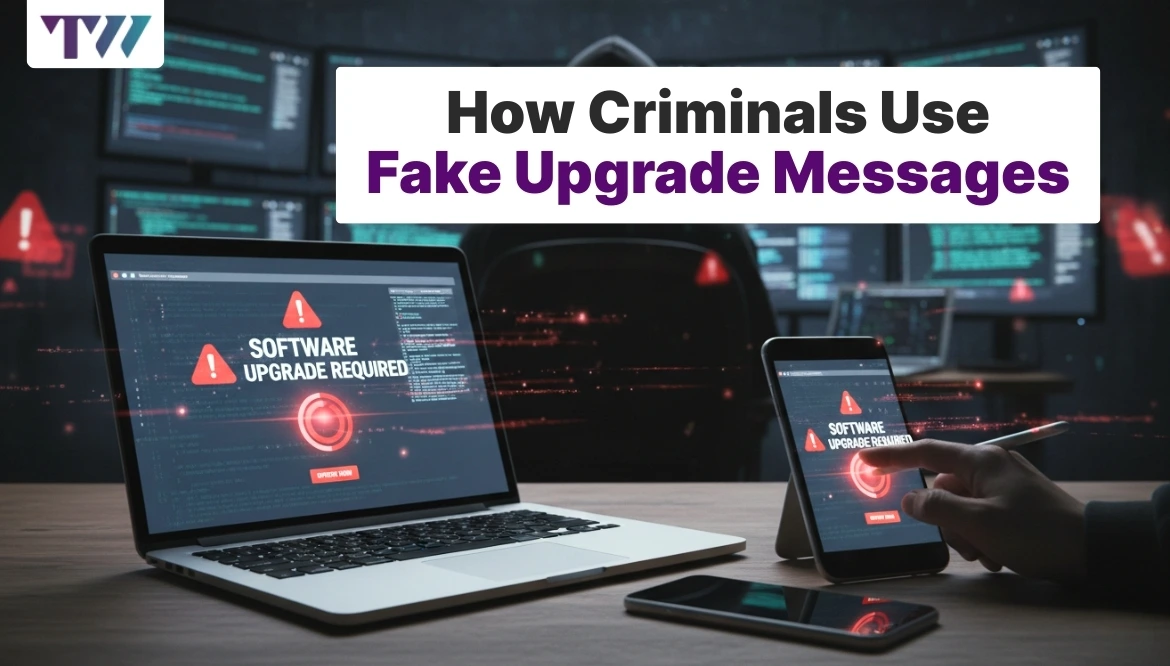
Hackers send malicious links and attachments through SMS and emails to steal your private information. These attacks are called phishing scams. You might receive unexpected emails or messages that look like they’re from a company or person you know. Clicking on these links can give hackers access to your device and data.
Therefore, never click on any random email attachments or links, as they can be harmful enough to steal your information and misuse it for criminal activities in your name.
Always Use Antivirus Software
The antivirus app is important for protecting your device from malicious content on the internet. It filters viruses, spyware, and other harmful content from entering your computer. Without antivirus software, your device will remain vulnerable to attacks. Even experts say to use an antivirus application to deal with harmful threats and protect yourself and your family from any financial or emotional damage.
Wrapping Up
Online security is crucial in today’s digital world, where many activities come with risks. Whether you’re buying online or browsing on a public network, everything has downsides. However, using online space isn’t a bad thing; it only needs to be used mindfully. If you know the right way to access the online world, you will be less likely to face any cyber threats and financial losses.
FAQs
How Is My Identity at Risk Online?
The online world offers convenience, but hackers and scammers take advantage of people’s vulnerabilities. They send malicious links and SMS to people to steal their personal information from social media. Then, they misuse that information for some criminal activities.
What Does an Antivirus Do to Protect Your Identity?
Antivirus software protects your device from malicious links and attachments that you may encounter online. Antivirus software blocks malicious files and prevents your personal information from being stolen by hackers. Therefore, every user must install a suitable antivirus software on their device.
How Do I Know if a Website Is Risky?
Generally, the safe and authorized websites have HTTPS in the URL bar accompanied by a padlock icon. If a website lacks it, it's not an authentic one. Hence, if you come across a random website, pause and check if it's real or a scam.
Share
Tweet
Pin it
Latest Blog Post
Read Our blogs to be updated with latest deals and trends.