How to Keep Your Passwords Safe Without Writing Them Down
Passwords protect almost every part of our digital lives, from emails and banking apps to social media and work tools. Yet many people still struggle to remember them all. Writing passwords on paper, in notebooks, or on sticky notes may feel convenient, but it creates serious security risks. Anyone who finds that note can access your accounts instantly. The good news is that you don’t need to write passwords down to keep them safe. With the right habits and simple strategies, you can remember strong passwords and protect your accounts at the same time. This blog explains practical, easy ways to secure your passwords without relying on unsafe shortcuts.
Why Writing Passwords Down Is Risky
Writing passwords down seems harmless, but it often leads to unexpected exposure. Notes can be lost, photographed, or seen by others without your knowledge.
Physical notes are not as private as people think. Family members, coworkers, visitors, or cleaning staff can accidentally see them. Even locked drawers are not fully secure.
Another risk is habit. Once people start writing passwords down, they often reuse the same password everywhere to make things easier. This creates a chain reaction—if one account is compromised, many others follow.
Understanding What Makes a Password Strong
Strong passwords are easier to remember than random ones if created correctly. The goal is to balance security and memorability.
A strong password is long, unique, and unpredictable. Length matters more than complexity. A longer phrase is harder to crack than a short string of symbols.
Avoid using personal information like names, birthdays, or favorite places. These details are often easy to guess or find online. A good password should not be connected directly to your real life.
Using Passphrases Instead of Passwords
Passphrases are one of the best ways to remember passwords without writing them down. They are made of multiple words instead of random characters.
A passphrase can be a sentence or phrase that makes sense only to you. Because it’s longer, it’s more secure, and because it’s meaningful, it’s easier to remember.
For example, combining unrelated words into a phrase creates strong protection. The key is uniqueness. Don’t use common quotes or song lyrics, as attackers can guess those easily.
Creating a Memory System That Works
Memory techniques can help you remember multiple passwords safely. You don’t need to rely on luck or repetition alone.
One method is pattern-based memory. You create a base passphrase and slightly adjust it for different services. This keeps passwords unique but still memorable.
Another approach is association. Connect each password to the purpose of the account. When the account name reminds you of the password structure, recall becomes easier without writing anything down.
Smart Ways to Use Password Managers
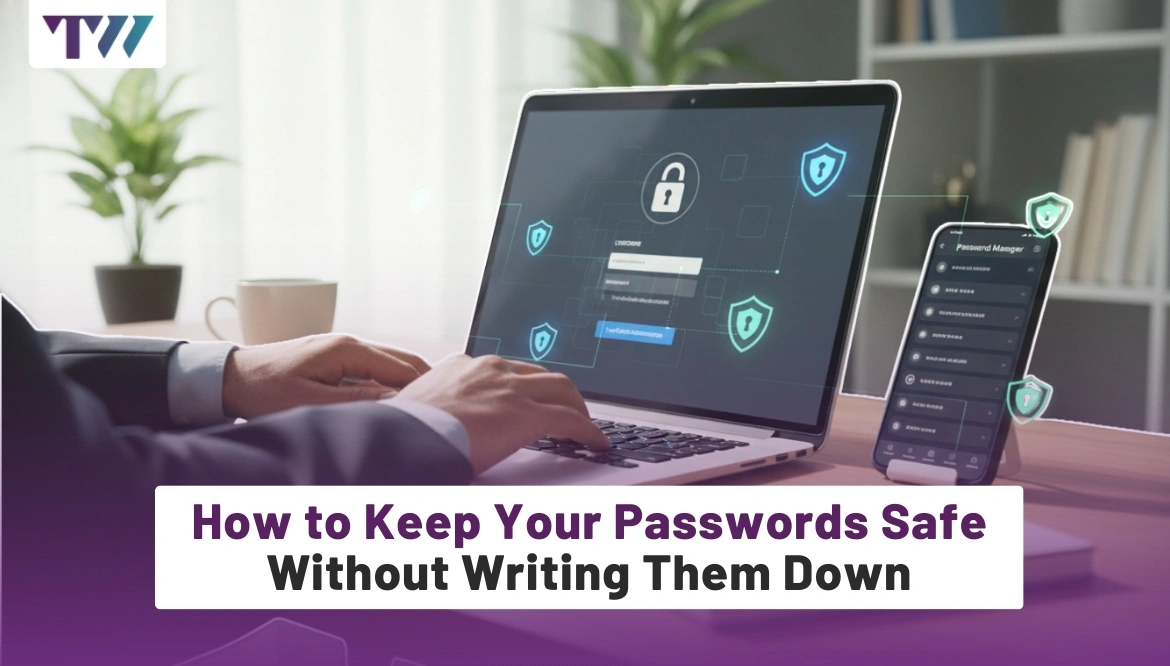
Password managers are one of the safest tools for storing passwords digitally. They remove the need to remember everything or write anything down.
How Password Managers Work
A password manager stores all your passwords in an encrypted vault. You only need to remember one strong master password to access them all.
Why They Are Safer Than Notes
Unlike written notes, password managers encrypt data. Even if someone accesses the file, they can’t read it without the master password.
Choosing a Strong Master Password
Your master password should be long and memorable. Use a passphrase you’ve never used anywhere else.
Built-In Password Generation
Most password managers can create strong, random passwords for each account. This reduces reuse and improves security.
Syncing Across Devices
Many password managers sync securely across devices, so you don’t need to store passwords manually anywhere.
Avoiding Common Password Habits That Cause Trouble
Some habits make people rely on written passwords without realizing the risk.
Reusing the same password across accounts is one of the biggest mistakes. It feels easier, but creates massive vulnerability. One breach can expose everything.
Another habit is choosing short or simple passwords to remember them easily. This weakens security and often leads to writing them down later. Strong habits from the start remove the need for unsafe backups.
Using Two-Factor Authentication as Backup
Two-factor authentication adds an extra layer of security that reduces password stress.
With two-factor authentication, even if someone guesses your password, they still need a second code to log in. This code usually comes from your phone or an app.
Knowing there’s a second barrier makes it less tempting to write passwords down. It also buys you time to react if a password is ever compromised.
Handling Forgotten Passwords the Right Way
Forgetting a password happens to everyone. The key is how you recover, not how you store.
Use official password recovery options provided by the service. Avoid creating predictable security answers just to remember them.
When resetting a password, update it everywhere if you used a similar version before. Treat forgotten passwords as a reminder to strengthen your system, not weaken it by writing things down.
Teaching Yourself Better Password Discipline
Good password habits are a skill, not a talent. They improve with consistency.
Start by updating your most important accounts first, such as email, banking, and work tools. These accounts often control access to others.
Over time, using passphrases, managers, and patterns becomes natural. The less you rely on memory alone, the less temptation there is to keep unsafe notes.
Balancing Convenience and Security
Security should not feel overwhelming. The goal is to make safe habits easy enough to follow daily.
Writing passwords down feels convenient, but it creates long-term risk. Using tools and techniques that fit your routine makes security feel effortless.
Once you experience fewer lockouts and less stress remembering passwords, you’ll realize that safe methods are often more convenient than unsafe ones.
Conclusion
Keeping your passwords safe without writing them down is completely achievable with the right approach. Strong passphrases, smart memory techniques, password managers, and two-factor authentication work together to protect your accounts. Writing passwords on paper may seem simple, but it exposes you to unnecessary risks. By building better habits and using trusted tools, you can stay secure without sacrificing convenience. In today’s digital world, protecting your passwords is not just about memory; it's about using smarter systems that work for you, not against you.
FAQs
1. Are password managers really safe to use?
Yes, reputable password managers use strong encryption to protect your data. As long as you create a strong master password and keep it private, password managers are far safer than writing passwords down.
2. What if I forget my master password?
If you forget your master password, recovery options are limited by design for security reasons. This is why choosing a memorable but strong passphrase as your master password is extremely important.
3. Is it okay to reuse a password for less important accounts?
No, even less important accounts can be used as entry points for larger attacks. Reusing passwords increases risk, regardless of how small or unimportant the account seems.
4. Can passphrases really be secure?
Yes, long passphrases made of unrelated words are very secure. Their length makes them hard to crack, and their meaning makes them easier for you to remember without writing them down.
5. Should I ever store passwords in my browser?
Browser password storage can be convenient, but it depends on your device's security. It’s safer to use a dedicated password manager with encryption and a strong master password for better protection.
Share
Tweet
Pin it
Latest Blog Post
Read Our blogs to be updated with latest deals and trends.