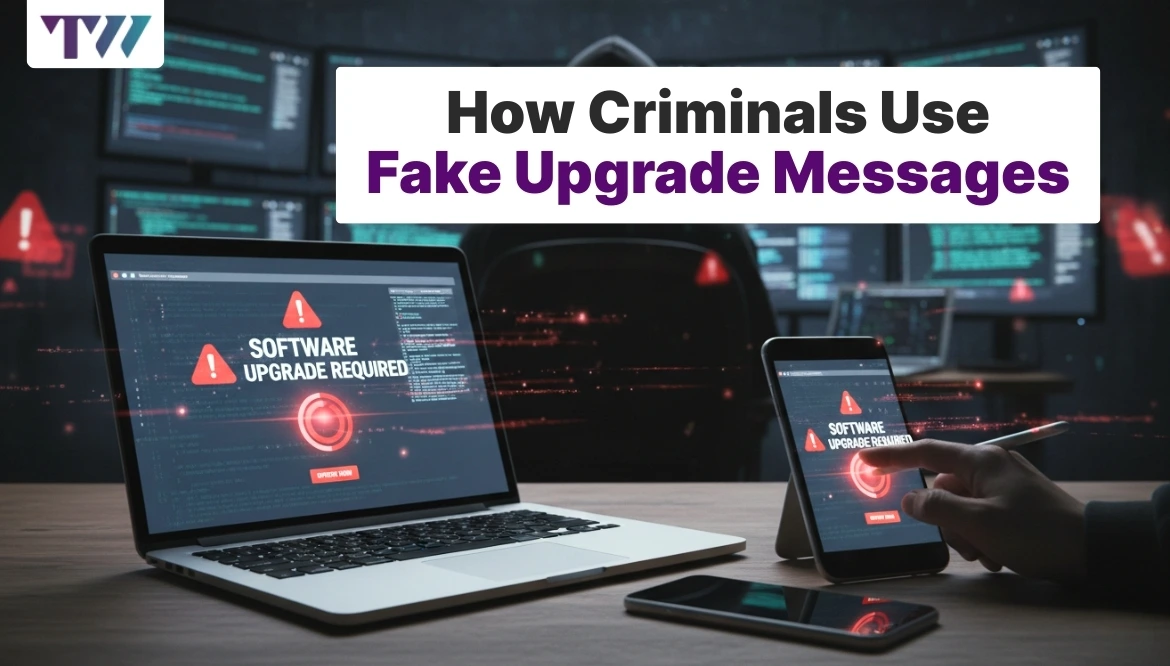
How Fake Technical Warnings Scare Users
Fake technical warnings have become a common trick used to scare people into making quick and risky choices. These warnings often appear while browsing websites, checking emails, or using everyday apps. They usually claim that your device has a serious problem, a virus, or a security issue that needs urgent action. Many users panic when they see such messages and follow the instructions without thinking. Criminals depend on fear and confusion to succeed. This blog explains how fake technical warnings work, why they feel so real, and how they push users into harmful actions. Understanding these tricks helps you stay calm, think clearly, and avoid falling into traps.
What Fake Technical Warnings Look Like
Fake technical warnings are designed to look official and alarming. They copy the style of system alerts, antivirus messages, or service provider notices. These warnings often include:
- Red or flashing text with urgent words
- Loud beeping sounds or pop-ups that refuse to close
- Messages claiming your device is infected or blocked
The goal is to shock users and stop them from thinking clearly.
Why These Warnings Feel So Real
Fake warnings work because they play with emotions rather than logic. Most users do not fully understand how systems or software alerts work, which makes them easy targets.
Criminals use:
- Familiar logos and system-style language
- Serious words like “risk,” “blocked,” or “action needed.”
- Messages that appear suddenly without warning
Fear makes people trust the message instead of questioning it.
Common Types of Fake Technical Warnings
Not all fake warnings look the same. Criminals adjust their messages based on where users see them.
Browser-based warnings
These appear while visiting unsafe or compromised websites. They usually claim your browser detected a serious threat and needs immediate fixing.
Email-based warnings
These arrive as emails pretending to come from service teams. They warn about account issues, security errors, or failed scans.
App-related warnings
Some apps show fake alerts after installation, claiming your device needs cleaning or repair to work properly.
How Fake Warnings Push Users to Act Fast
Speed is an important part of this trick. Fake warnings always create urgency, so users do not stop to think. They often pressure users by:
- Setting fake countdown timers
- Warning that data will be lost
- Threatening account suspension
When people feel rushed, they follow instructions without checking facts.
Actions Fake Warnings Ask Users to Take
Fake technical warnings usually guide users toward actions that benefit criminals.
Common actions include:
- Clicking a link to “fix” the issue
- Calling a phone number for support
- Downloading unknown software
Each step increases control for the scammer.
How Fake Support Numbers Trap Users
One of the most dangerous tricks involves fake support phone numbers.
What happens during the call
Once users call, the person on the line pretends to be a technician. They speak confidently and describe fake problems in detail.
They may:
- Ask for remote access
- Request payment for fake repairs
- Collect personal or account details
The call often ends with financial loss or data exposure.
Why Older and New Users Are Common Targets
Fake technical warnings target people with different experience levels for different reasons.
Older users may trust alerts more because they seem official. New users may panic because they are unsure how systems work. Criminals adjust their tone to match the audience, making the message feel believable.
The Role of Pop-Ups in Fake Warnings
Pop-ups are one of the strongest tools used in fake warnings. They block screens, repeat messages, and make it hard to exit.
Why pop-ups work well
- They interrupt normal activity
- They look like system alerts
- They create pressure to respond
Some pop-ups even disable the close button, increasing panic.
Long-Term Damage Caused by Fake Technical Warnings
The damage does not stop after one mistake. Fake warnings often lead to long-term problems.
Possible effects include:
- Loss of money through fake services
- Stolen personal information
- Slow or damaged devices
- Ongoing scam attempts
Once criminals gain trust, they often return with new tricks.
Why These Scams Keep Spreading
Fake technical warnings continue because they are cheap to create and easy to spread. One fake website or email can reach thousands of users in minutes.
Criminals also reuse the same messages again and again, knowing that new users appear every day. Fear remains their strongest weapon.
How to Tell a Real Warning From a Fake One
Knowing a few basic signs helps you spot fake warnings quickly.
Signs of a fake warning
- Urgent language with threats
- Requests for phone calls or payments
- Poor spelling or strange wording
- Messages that appear while browsing random sites
Real system warnings do not behave this way.
What to Do When You See a Fake Technical Warning
Staying calm is the most important step. Panic leads to mistakes.
Safe actions to take
- Do not click links or call numbers
- Close the browser or app
- Restart your device
- Run trusted security checks
If unsure, ask someone knowledgeable before acting.
Why Awareness Is the Best Protection
Fake technical warnings rely on confusion and fear. Awareness removes their power. When users know these tricks, they pause instead of reacting.
Sharing knowledge with friends, family, and coworkers also helps reduce risk. One informed person can prevent many others from falling into the same trap.
Conclusion
Fake technical warnings are meant to scare users into quick decisions that benefit criminals. They copy real alerts, create panic, and push urgent actions. By understanding how these warnings work and recognizing common signs, users can stay calm and avoid harm. A few seconds of careful thinking can prevent financial loss, data theft, and ongoing trouble. Staying alert protects both you and those around you.
Share
Tweet
Pin it
Latest Blog Post
Read Our blogs to be updated with latest deals and trends.