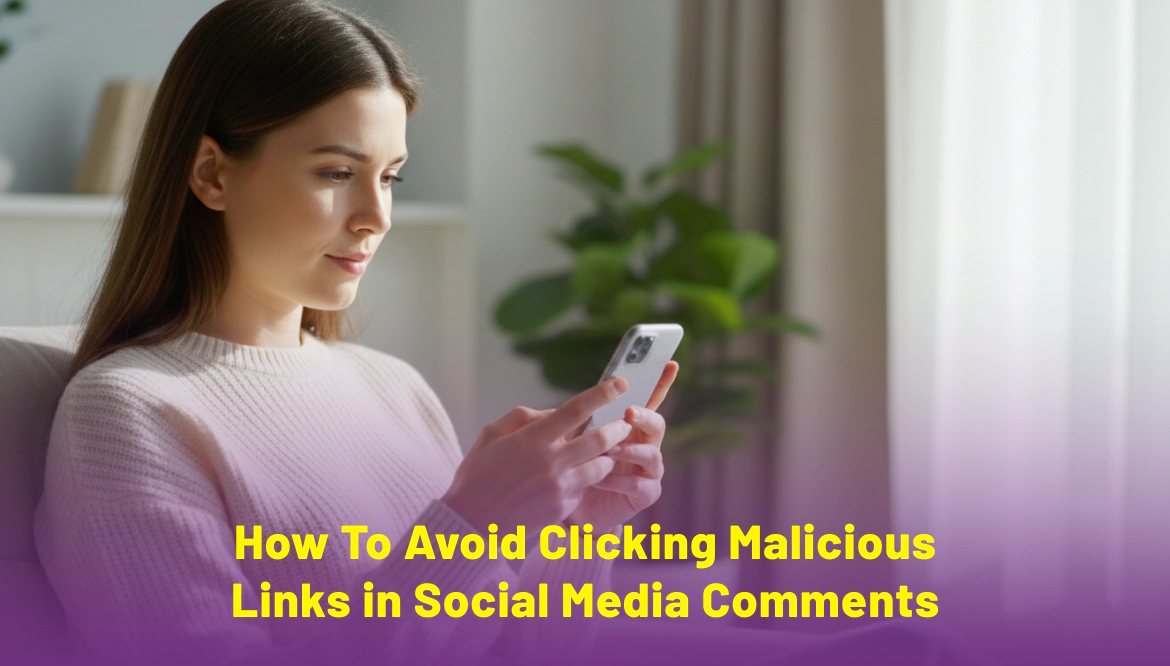
How to Avoid Clicking Malicious Links in Social Media Comments
Social media has become part of daily life. People scroll through posts, watch videos, read comments, and click links without thinking much. But social media comments have turned into a common place for harmful links. One wrong click can lead to stolen data, fake pages, or unwanted apps on your device.
Malicious links often hide in comment sections under popular posts, ads, and videos. They may look harmless, but their goal is to trick users. This guide explains how to avoid clicking malicious links in social media comments and stay safe while scrolling.
Why Social Media Comments Are a Common Target
Comment sections attract large numbers of users. Criminals take advantage of this by posting links that appear helpful or interesting.
They rely on:
- Curiosity
- Trust in popular pages
- Quick scrolling habits
- Emotional reactions
Many people click links without checking because they look like normal replies.
Understand What Malicious Links Look Like
Malicious links are designed to blend in. Knowing common signs helps you spot them early.
Common Types of Malicious Links
- Fake giveaways
- Free product offers
- Shocking news claims
- Adult content links
- Discount deals
- Account warning messages
These links often promise something exciting or urgent.
Typical Phrases Used
Be cautious if you see comments like:
- “Click here before it gets deleted.”
- “I tried this, and it really works.”
- “Watch this video now.”
- “You will not believe this.”
- “Your account may be blocked.”
Such phrases push you to act fast without thinking.
Check the Comment Source Carefully
Not all comments come from real users.
Signs of Fake or Suspicious Accounts
- No profile picture
- Random username
- Recently created account
- Very few followers
- No real posts
Criminals use fake accounts to spread links quickly.
Avoid Clicking Links From Unknown Users
Even if the comment appears under a trusted page, the commenter may not be trustworthy. Always focus on who shared the link.
Look Closely at the Link Before Clicking
Links often reveal danger if you look carefully.
Red Flags in Links
- Shortened URLs
- Misspelled website names
- Extra numbers or symbols
- Strange endings
- Unrelated domain names
A link may look similar to a real site but contain small changes.
What You Can Do Instead
- Long-press to preview the link
- Copy and paste it into a notes app to inspect
- Search the website name separately
If the link looks odd, skip it.
Do Not Trust Comments Offering Free Rewards
Free offers attract attention, but many are traps.
Common Fake Offers Include
- Free phones
- Cash rewards
- Gift cards
- Free subscriptions
- Discount coupons
These links often lead to fake pages that ask for personal details.
Important Rule
No real brand gives rewards through random comment links.
Be Careful With Emotional or Shocking Content
Criminals use emotions to control clicks.
Examples of Emotional Triggers
- Fear-based messages
- Shocking headlines
- Fake emergency alerts
- Personal attacks
- Controversial topics
These links aim to make you react before you think.
Pause and verify before clicking anything emotional.
Avoid Links Asking for Login or Personal Details
Some malicious links take you to fake login pages.
Never Enter These Details Through Comment Links
- Email login
- Social media password
- Bank details
- OTP
- Phone number
Real platforms never ask for private details through comment links.
Keep Your Social Media App and Device Updated
Updates fix safety issues.
Why Updates Matter
- Block known harmful links
- Improve spam detection
- Fix system weaknesses
Basic Safety Steps
- Update apps regularly
- Update phone system
- Remove unused apps
- Avoid unknown browser add-ons
An updated device reduces risk.
Adjust Your Social Media Settings
Most platforms offer settings that reduce spam and harmful content.
Helpful Settings to Enable
- Hide comments with links
- Filter spam comments
- Block unknown users
- Limit comment visibility
- Report suspicious activity
These settings clean up your feed.
Use a Security App on Your Device
A trusted security app adds another layer of safety.
What It Can Do
- Block harmful websites
- Warn before opening risky links
- Scan downloads
- Detect unsafe apps
This helps protect you even if you click by mistake.
Teach Yourself to Pause Before Clicking
Quick scrolling leads to mistakes.
Ask Yourself These Questions
- Do I trust this person
- Does this link make sense
- Is this offer realistic
- Why is this posted in comments
If something feels off, it usually is.
What to Do If You Clicked a Malicious Link
Mistakes happen. Acting fast limits damage.
Immediate Steps to Take
- Close the page
- Do not enter any details
- Clear browser data
- Scan your device
- Remove unknown apps
- Change passwords if needed
If You Shared Information
- Inform your bank if financial data was shared
- Monitor account activity
- Enable login alerts
Quick action helps protect your accounts.
Report and Block Malicious Comments
Reporting helps protect others.
Why Reporting Matters
- Removes harmful content
- Stops repeated attacks
- Improves platform safety
Block accounts that post unsafe links.
Conclusion
Malicious links in social media comments are common, but awareness keeps you safe. Always check the source, inspect links, ignore free offers, and pause before clicking. Simple habits and alert thinking help protect your device, personal details, and online accounts while using social media every day.
Share
Tweet
Pin it
Latest Blog Post
Read Our blogs to be updated with latest deals and trends.